
PDF Workpaper Editor for Tax & Accounting Firms
Review, annotate, and save client PDFs directly inside ZentroBiz — without downloading files or overwriting the original document.
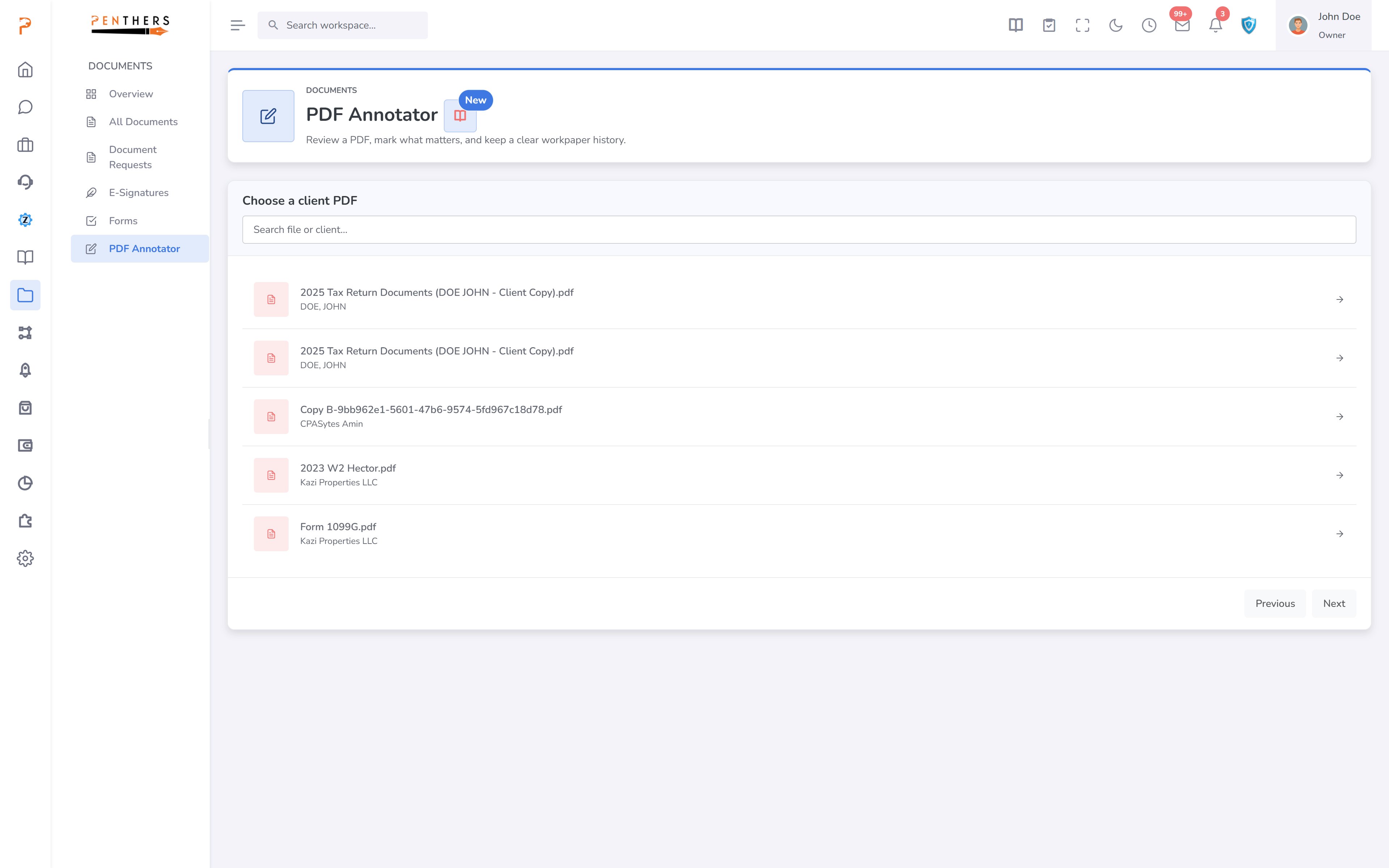
Built-in PDF markup for tax and accounting documents
ZentroBiz turns client PDFs into review-ready workpapers. Staff can open a document, add notes, highlight key areas, draw attention to missing information, and save an internal markup copy — all while keeping the original file intact.
Built for tax and accounting teams
Open and review the documents your firm works with every day — right in the browser, with no downloads required:
Markup tools
Mark up documents in the browser
The tools your reviewers reach for, built right into the document view.
Text notes
Type review notes directly onto the page.
Review with structure and control
Save internal workpaper copies
Save an internal markup copy of any document while the original client upload stays untouched — your review work lives alongside the source file, not on top of it.
Coming next
These enhancements are on the roadmap and are not part of the current release.
See the PDF Workpaper Editor in action
Turn client uploads into review-ready workpapers — mark up, save an internal copy, and keep the original intact.
More in Documents.
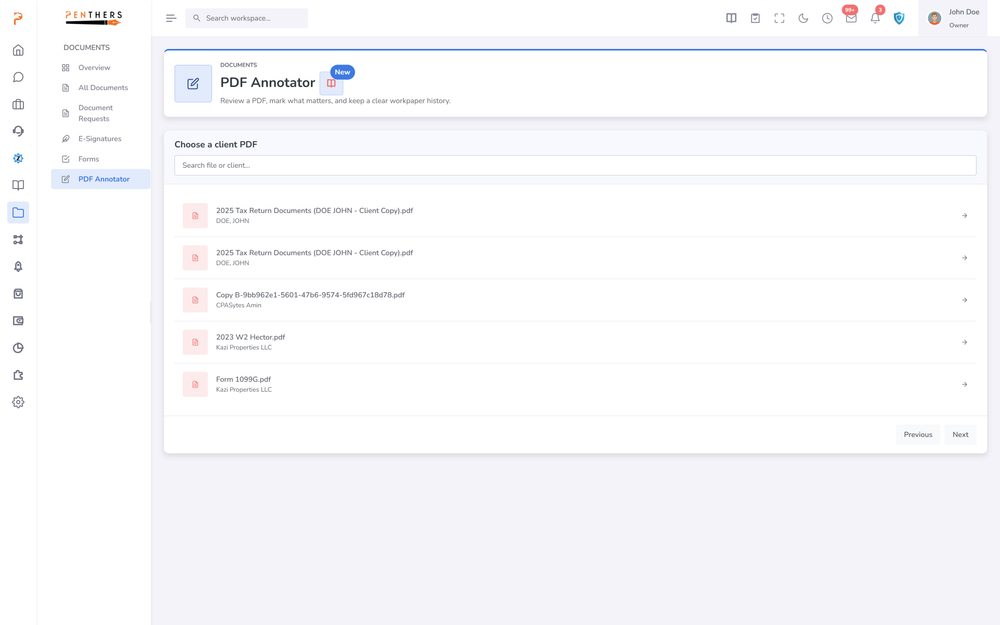
AI Workpaper Generator
Create Review-Ready Workpapers From Firm Data. Use a dedicated workpaper workspace to prepare, review, and retain supported workpaper outputs with source context.
Learn more ›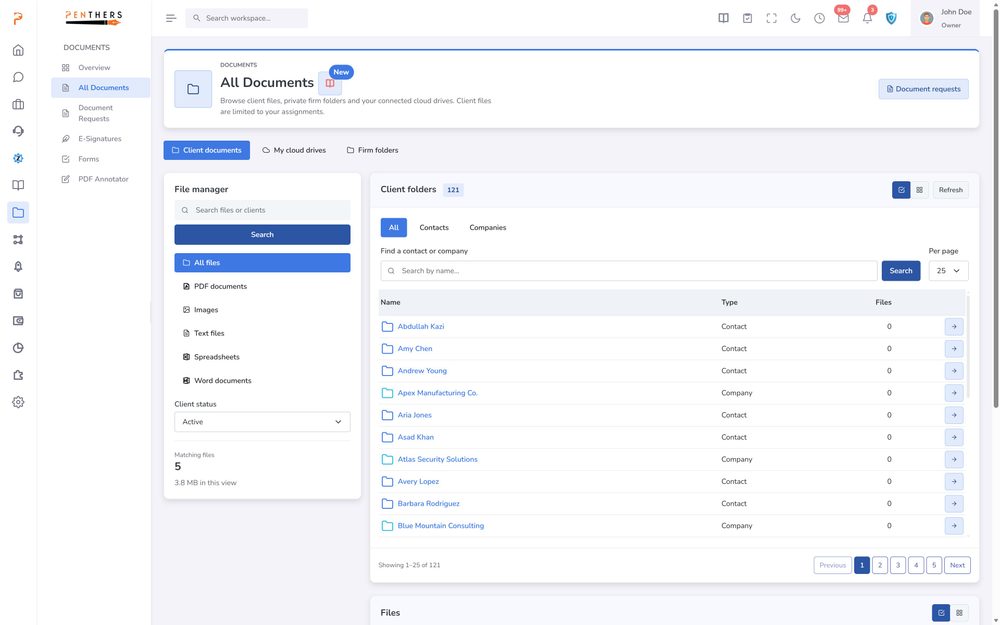
Document Management
Organize client files, document requests, forms and e-signatures in one place — searchable, secure and tied to the client record.
Learn more ›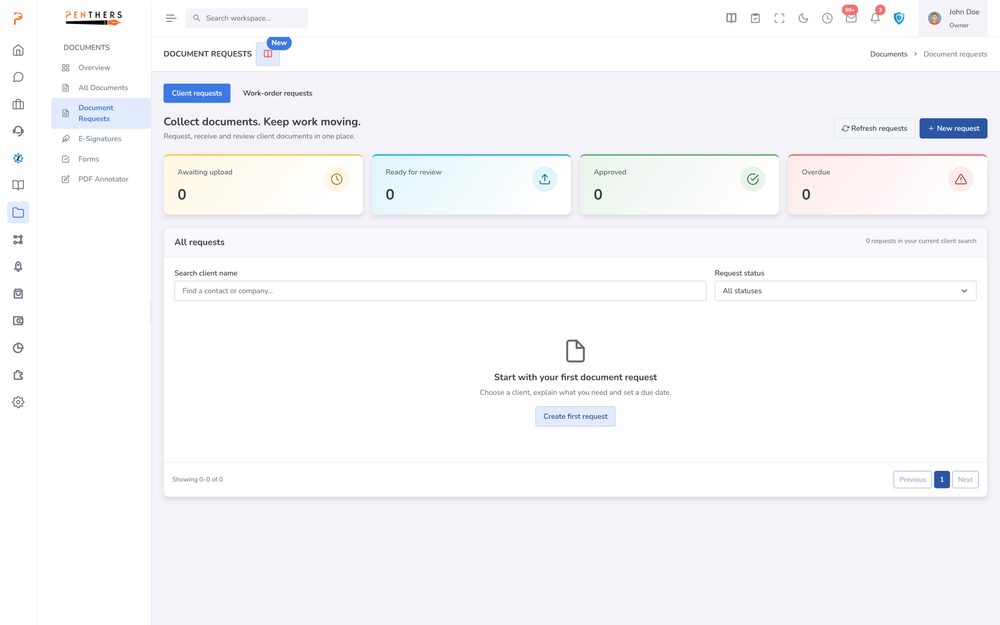
Document Requests
Ask for the Right Files and Track Every Response. Send structured document requests to clients with clear items, due dates, and completion visibility.
Learn more ›See PDF Workpaper Editor in your firm.
A 20-minute demo tailored to your workflow, or start a 14-day trial. Submitting a request does not charge a card.