ZentroBiz + DrakeThe Ultimate Workflow for Drake Tax Professionals
ZentroBiz extends the power of Drake Software by adding client portals, automation, document management, AI bookkeeping, and firm-wide workflow management.
Requests are reviewed before activation. Submitting a request does not charge a card. Prefer to talk? Call (855) 334-4244.
Connected from the Drake workstation to the client portal.
- 01
Drake Desktop
Where you prepare returns
- 02
ZentroWorx for Windows
Reads Drake data on your workstation
- 03
ZentroBiz
Workflow, CRM & dashboards
- 04
Client Portal
Status, documents & messages
Why Drake firms love ZentroBiz.
Built for Drake
Designed specifically to work with Drake tax software and Drake workflows.
Automated client sync
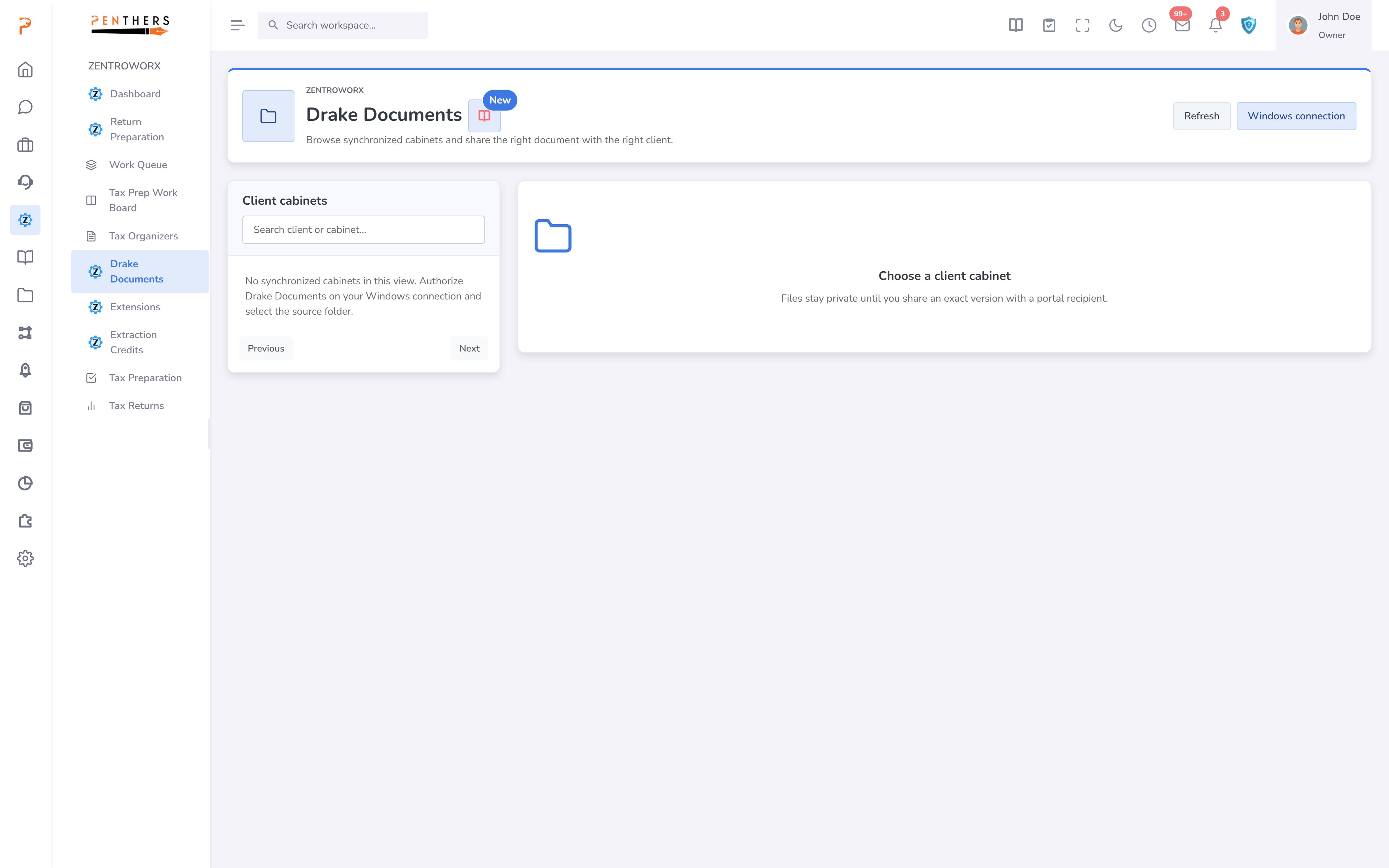
Sync Drake client data to the ZentroBiz client portal.
Client dashboard
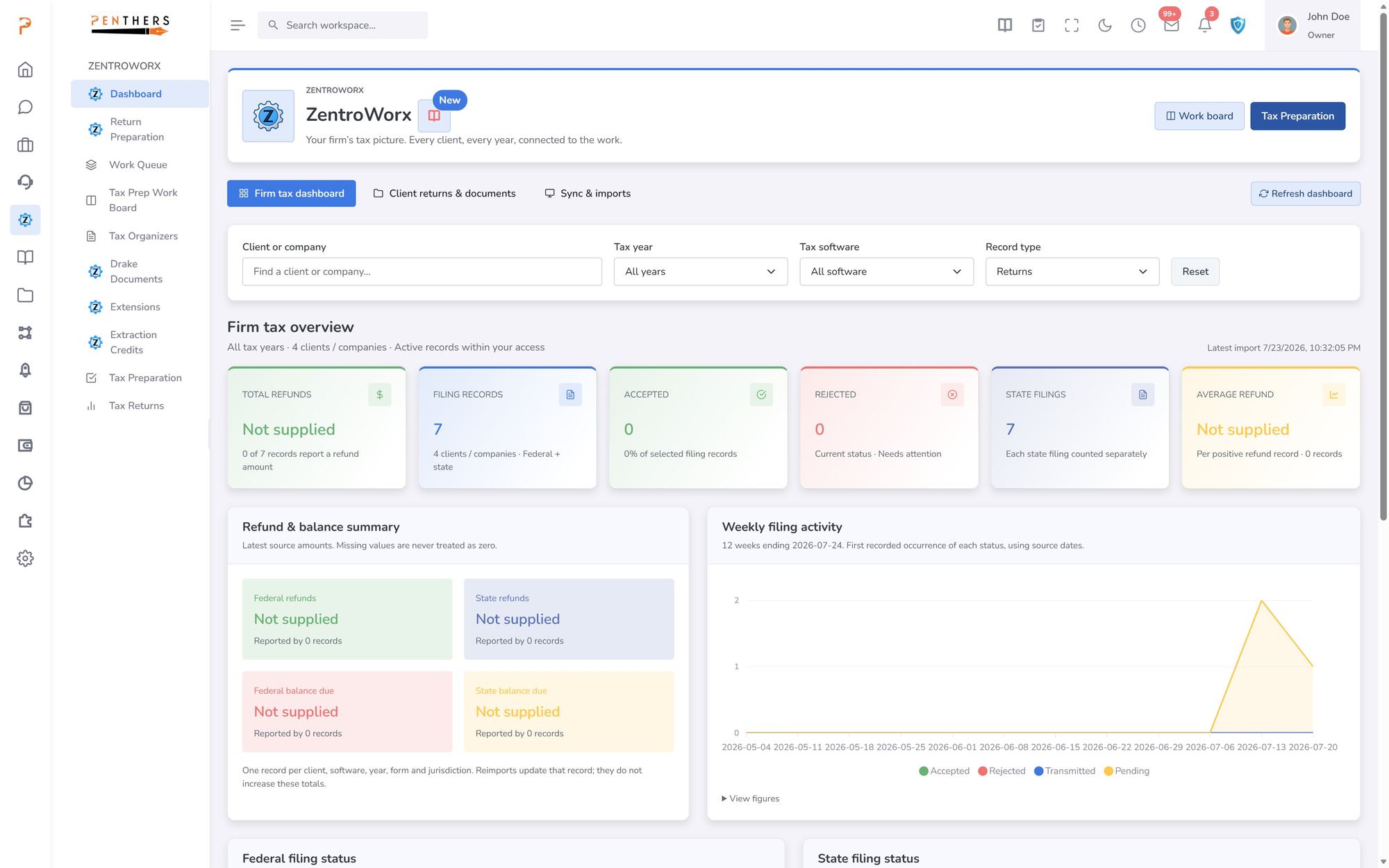
Clients can view tax status, refunds, documents, and tasks online.
Workflow automation
Track tax returns, assignments, and filing statuses in real time.
What ZentroBiz adds to Drake.
- ✓Secure client portal
- ✓Online document upload
- ✓Full document management
- ✓Full workflow automation
- ✓Real-time dashboards
- ✓AI-powered bookkeeping
- ✓Built-in appointment scheduling
- ✓Staff workflow management
Connect in four steps.
- 01
Authorize your Windows device
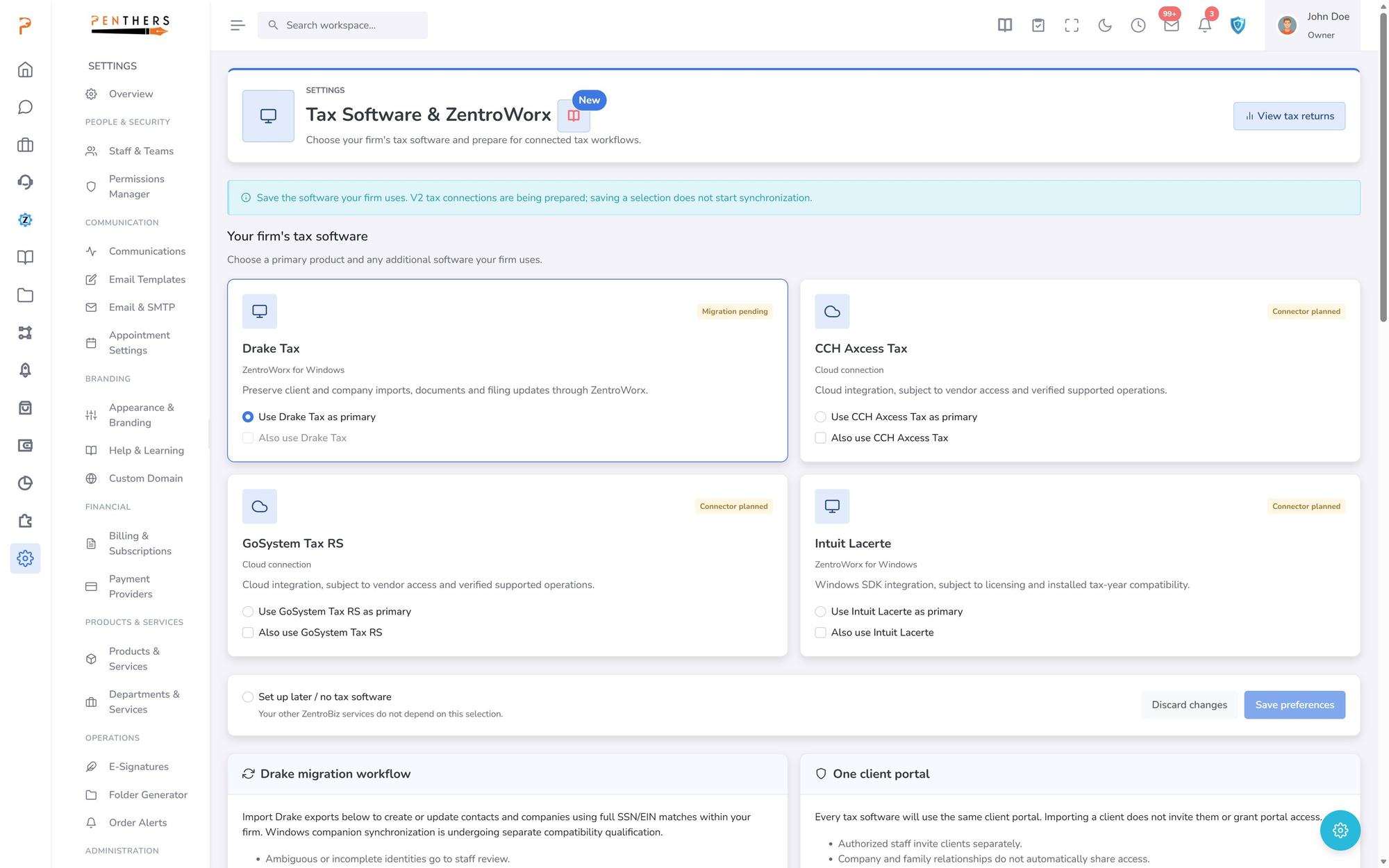
In Settings, open Tax Software & ZentroWorx and create a connection code for the workstation that runs Drake.
- 02
Import client exports and filing status
Import Drake exports to create or update contacts and companies, and keep filing status current.
- 03
Matched with care
Matching uses full SSN or EIN within your firm. Ambiguous or incomplete identities go to staff review.
- 04
Clients see their progress
Importing never invites a client. Your staff invite clients to the portal separately.
Drake Desktop requirement.
ZentroWorx works with the desktop version of Drake Software on a Windows workstation. It reads Drake data files directly from the computer where Drake is installed.
✓Supported: Drake Software Desktop Version
✕Not supported: web-based or cloud-hosted Drake environments that do not allow access to local Drake data folders
Built for growing firms.
Tax firms using Drake
Extend your existing Drake setup with client-facing tools, automation, and workflow management.
Bookkeeping firms expanding into tax
Add tax preparation capabilities alongside your bookkeeping services with a unified platform.
Multi-office CPA firms
Manage multiple locations, teams, and clients with centralized oversight and standardized workflows.
Turn Drake into a complete tax firm platform.
Add client portals, workflow automation, and firm dashboards to the tax software you already use.
Or call (855) 334-4244
More for Drake firms
Drake Software is a registered trademark of Drake Software. ZentroBiz is an independent platform and is not affiliated with, endorsed by, or sponsored by Drake Software.