
Payroll Processing. Without the Complexity.
Onboard payroll accounts, process runs, manage employees, and monitor federal and state compliance — all within the same platform where you manage taxes, billing, and clients.
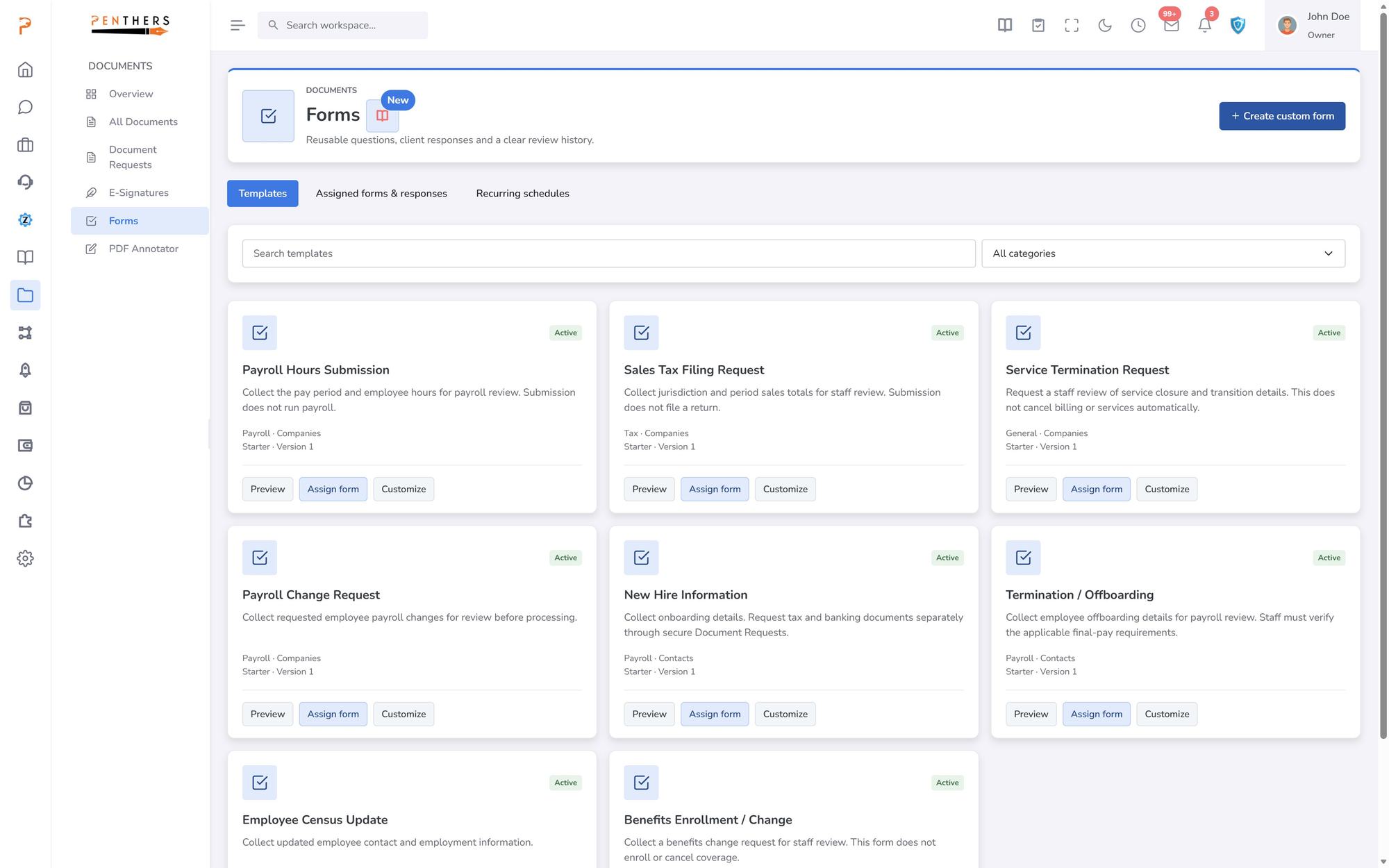
Why Payroll Is Still a Pain Point for Firms
Most firms run payroll in isolation — disconnected from client records, compliance calendars, and the rest of their practice.
Payroll software runs in a silo with no link to your CRM, billing, or tax data — forcing staff to re-enter client details and toggle between platforms for every run.
Federal and state filing obligations are tracked in spreadsheets or memory. Missed deadlines, overlooked agency requirements, and penalty exposure are constant risks.
Firm leadership has no real-time view into which payroll runs are pending, in progress, or completed — making workload planning and client communication reactive.
Payroll That Lives Inside Your Practice Platform
ZentroBiz integrates payroll management directly into the same system where you manage clients, taxes, and billing.
CRM-Linked
Integrated with CRM
Fed & State
Compliance Tracking
Batch
Run Processing
Real-Time
Status Dashboard
End-to-End Payroll Management
Purpose-built payroll tools integrated into the same platform where your firm manages clients, taxes, and billing.
Onboard new payroll clients with EIN, pay frequency, filing status, and employee rosters — linked directly to CRM accounts.
Maintain employee profiles with compensation details, withholding elections, and compliance settings per payroll account.
Process payroll runs with totals, status tracking, run dates, and batch processing support for high-volume firms.
Monitor federal and state filing obligations with due dates, agency references, and status indicators — across every payroll client.
Access full historical payroll run data with audit trails, run-over-run comparisons, and exportable reporting.
Every payroll account is linked to CRM company profiles, staff assignments, and client communication history for full operational context.
How Firms Use Payroll Management
Scenario: A firm managing 40 payroll clients onboards all accounts with linked CRM records and batch-processes biweekly runs from a single dashboard.
Batch processing eliminates per-client run setup, reducing payroll processing time by 60%.
Scenario: A payroll manager reviews all federal and state filing obligations across the firm, identifies upcoming due dates, and tracks filing status per agency.
Zero missed filings — every obligation tracked with due date alerts and completion status.
Scenario: A new payroll client is onboarded with EIN, employees, pay frequency, and filing requirements — everything linked to their existing CRM account.
Client is fully set up in under 15 minutes with all records connected across CRM and payroll.
ZentroBiz Payroll vs. Standalone Payroll Tools
| Capability | Traditional | ZentroBiz |
|---|---|---|
| Client Records | Separate system, re-enter data | Linked to CRM accounts |
| Compliance | Manual tracking in spreadsheets | Automated monitoring with alerts |
| Processing | Individual client runs | Batch processing across clients |
| Run History | Spreadsheets or external reports | Full run history with audit trail |
| Status Visibility | Email updates and manual checks | Real-time processing dashboard |
Streamline Payroll Processing for Your Firm.
See how ZentroBiz payroll management integrates with your practice.
More in Payroll & Bookkeeping.
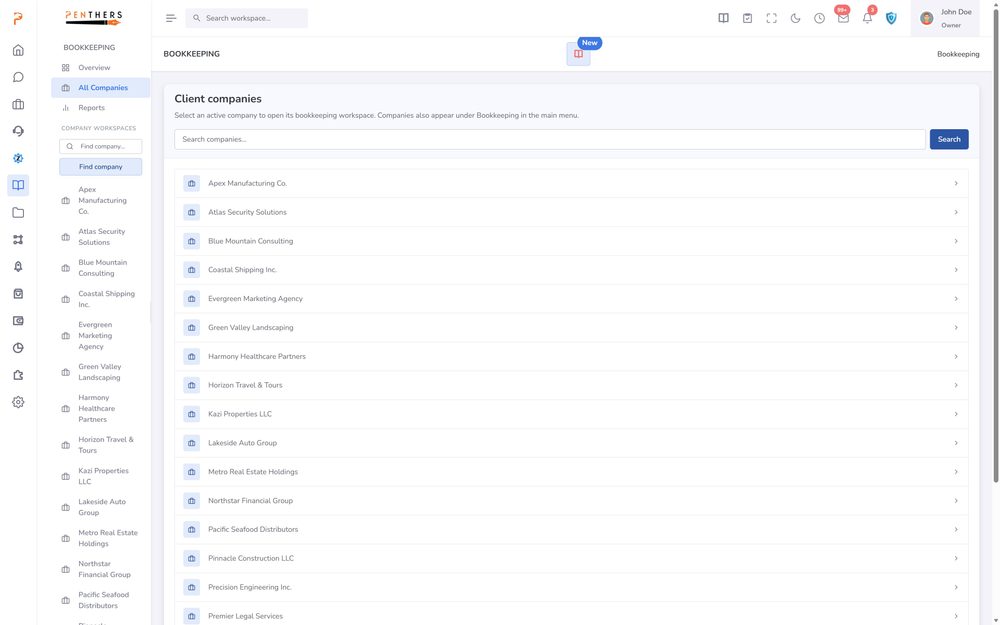
AI Bookkeeping
Automatically categorize, review, and reconcile transactions with intelligent AI built specifically for accounting firms.
Learn more ›Bookkeeping
Structured monthly cycles, AI auto-categorization, review queues, financial insights, receipt extraction, and a firm-wide dashboard — all connected to your client records and billing.
Learn more ›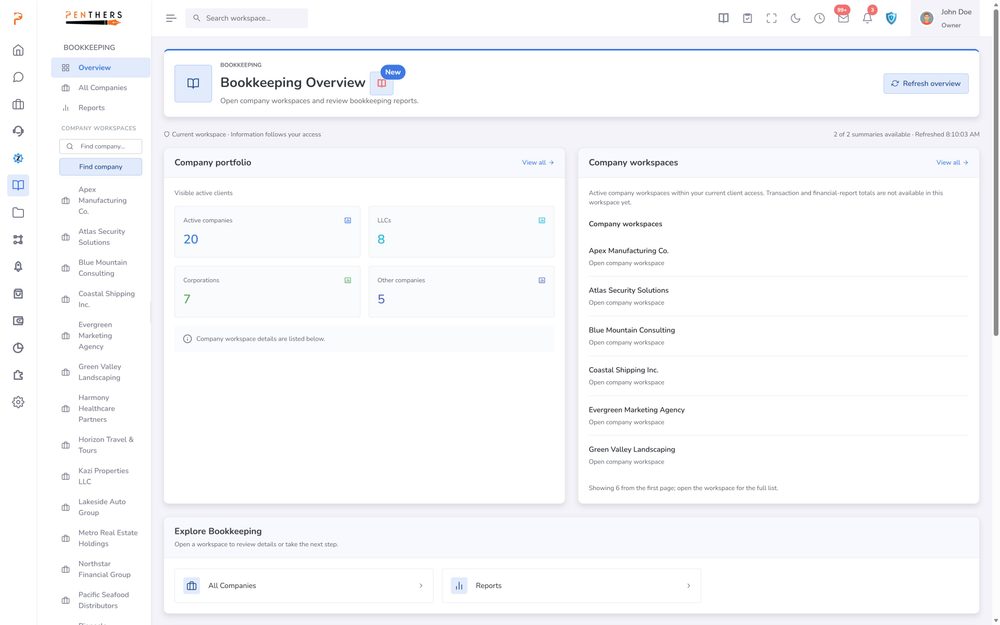
Bookkeeping Workflow Engine
Replace the spreadsheets, the manual categorization, the disconnected tools, and the "is this month closed?" messages — with a unified system that runs every bookkeeping engagement from…
Learn more ›See Payroll in your firm.
A 20-minute demo tailored to your workflow, or start a 14-day trial. Submitting a request does not charge a card.