
Run Your Firm Like an Operating System.
A Desktop Experience. Inside Your Browser.
A full desktop workspace with multi-window management, 18 modules, custom wallpapers, a dock, and session persistence — no other practice management tool does this.
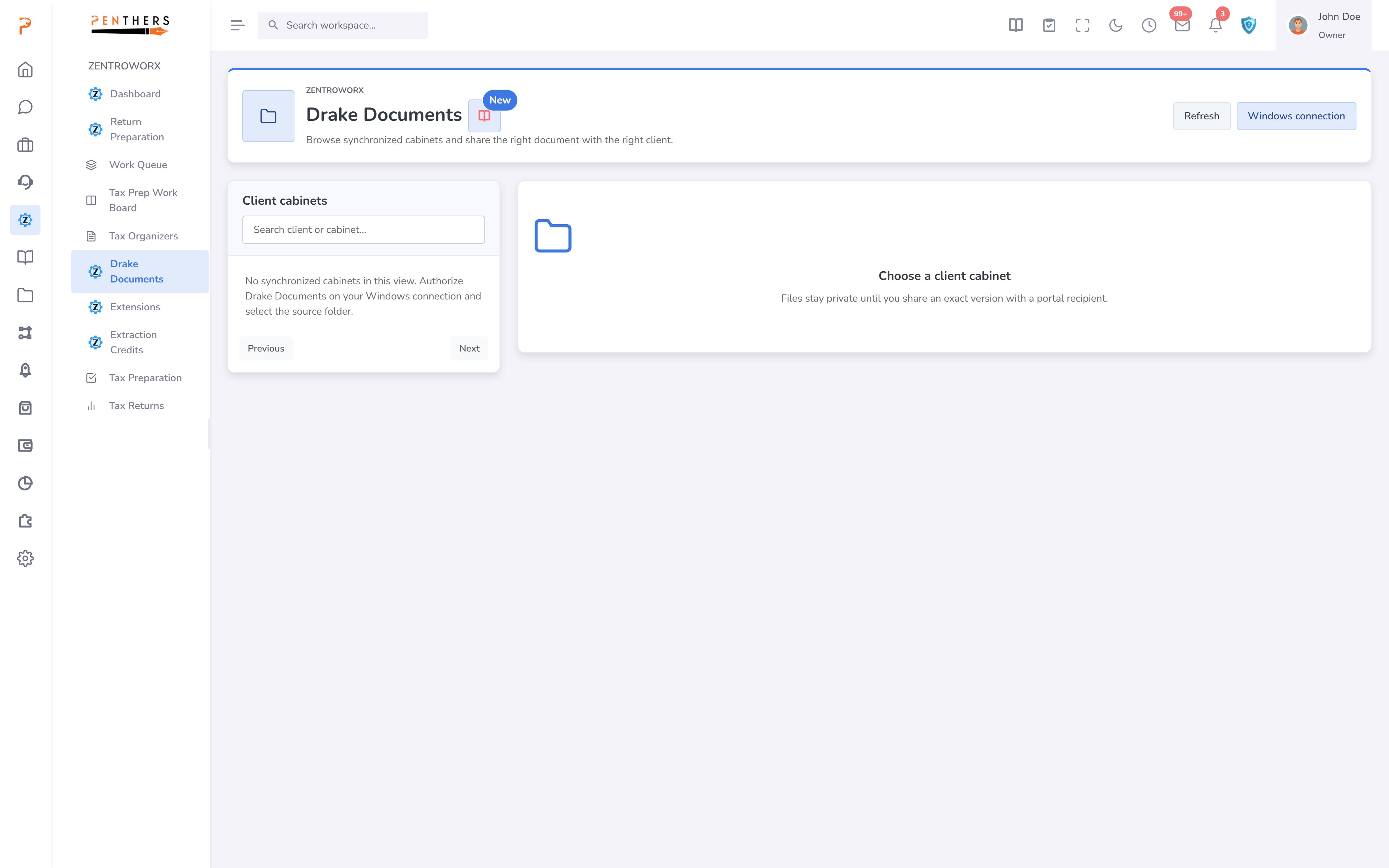
Practice Management Was Never Designed for Real Work
Every other tool forces you into a web-app paradigm that slows your team down.
Tab-Switching Hell
Juggling 8+ browser tabs to manage firm operations. CRM in one tab, billing in another, documents in a third — context is lost every time you switch.
No Spatial Context
Losing track of where you were when switching between tasks. Web apps have no concept of window placement or spatial memory.
Generic Web Apps
Tools that feel nothing like native software. No dock, no window management, no persistence — just flat pages that reload every time.
The Solution
A True Desktop Environment for Your Firm
ZentroBiz reinvents how accounting firms interact with their software.
Multi-Window Environment
Open, resize, drag, minimize, maximize — true desktop multitasking. Work on CRM and Tax Prep side-by-side, just like a real operating system.
Session Persistence
Your window layout persists across browser refreshes automatically. Close your laptop, reopen it tomorrow — everything is exactly where you left it.
Native App Feel
Custom wallpapers, dock, taskbar — feels like macOS but for accounting. No more flat web pages. This is software that respects how professionals work.
All-In-One Platform
18 Modules. One Desktop.
Every module opens as a draggable, resizable window inside your workspace. No more switching between apps.
- Manage clients, leads, and pipelines
- Full tax return preparation workflow
- Invoicing, payments, and revenue tracking
- Categorization, reconciliation, reporting
- Employee payroll processing and compliance
- Business entity formation and filing
- Extend platform functionality with add-ons
- IRS offers in compromise and tax resolution
- Campaigns, email marketing, and outreach
- Tasks, projects, and time tracking
- Orders, proposals, and service management
- Secure document storage and e-signatures
- Stripe, PayPal, Zoom, Teams, and more
- Firm configuration and preferences
- AI-powered transaction categorization
- Real-time analytics and reporting
- User roles, permissions, and audit logs
- Scheduling, appointments, and deadlines
- Core Capabilities
Everything You Expect from a Desktop OS
Built from the ground up to feel like native desktop software, not a web page.
Multi-Window Management
Open multiple modules as resizable, draggable windows. Arrange them however works best for your workflow — side by side, stacked, or overlapping.
Desktop Dock
An app-like dock at the bottom of your workspace for instant access to all 18 modules. One click to launch any module as a new window.
Session Restore
Your window layout — positions, sizes, and which modules are open — persists across browser refreshes and sessions. Pick up right where you left off.
Custom Wallpapers
Personalize your workspace with custom backgrounds. Choose from built-in wallpapers or upload your own to make the workspace uniquely yours.
Window Controls
Minimize, maximize, close — full window management just like a native operating system. Double-click title bars to maximize, drag edges to resize.
Keyboard Navigation
Quick-switch between modules with keyboard shortcuts. Power users can navigate the entire workspace without touching the mouse.
Real Scenarios
Tax Preparer
Side-by-Side Tax Workflow
Opens CRM, Tax Prep, and Documents windows side-by-side. Pull up the client record, work the return, and reference uploaded documents — all visible at once without a single tab switch. Firm Owner
Traditional Web Apps vs. ZentroBiz Desktop
| CAPABILITY | Others | ZentroBiz |
|---|---|---|
| Interface | Standard web app | Desktop OS experience |
| Multitasking | Tab switching | Multi-window side-by-side |
| Session Memory | Lost on refresh | Auto-restored |
| Personalization | None | Custom wallpapers & themes |
| Module Access | Menu navigation | Dock + keyboard shortcuts |
| Context Switching | Full page reload | Window focus |
Experience the Desktop Workspace.
See It Live.
Book a personalized demo and see how the Desktop Workspace transforms the way your firm operates. No other practice management tool comes close.
More in Platform.
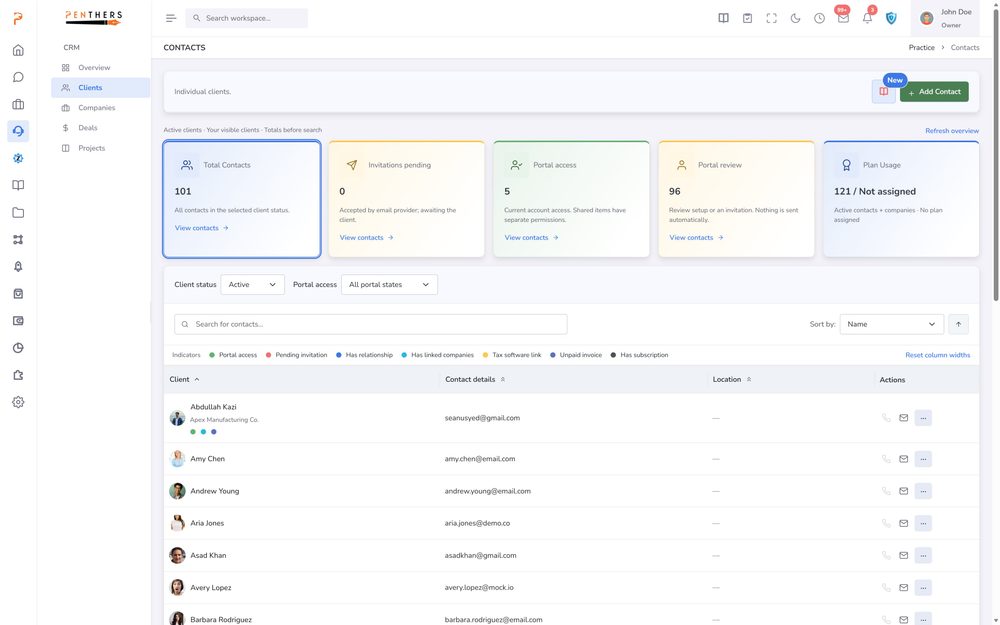
Custom Fields
Capture the Firm-Specific Data You Actually Need. Define additional fields for supported records so ZentroBiz reflects the information your firm needs to manage.
Learn more ›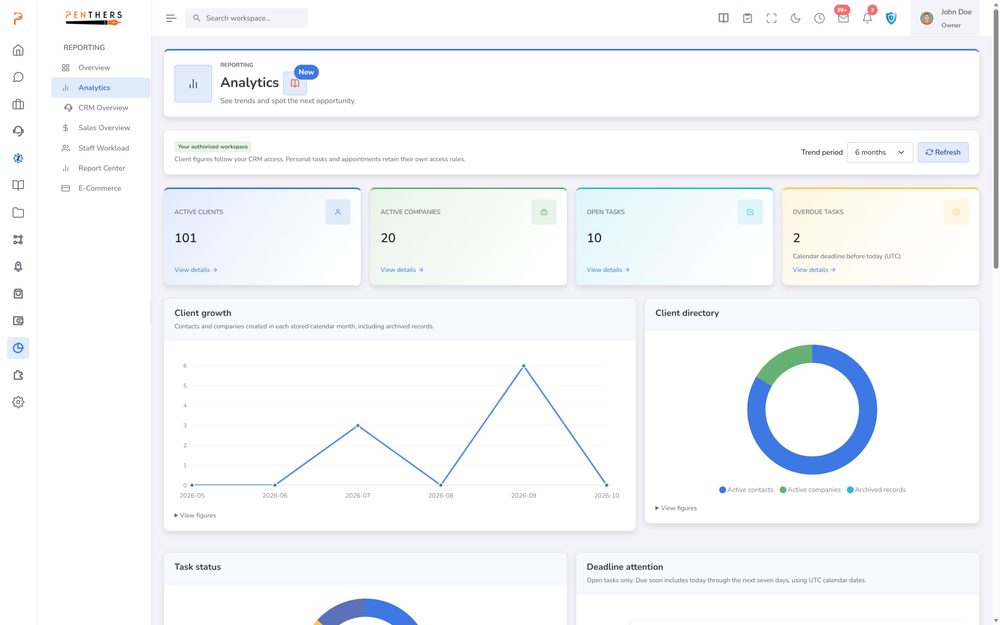
Dashboards & Insights
One unified suite of dashboards that keeps your entire firm aligned - clients, staff, operations, revenue, orders, and daily sales, all in real time.
Learn more ›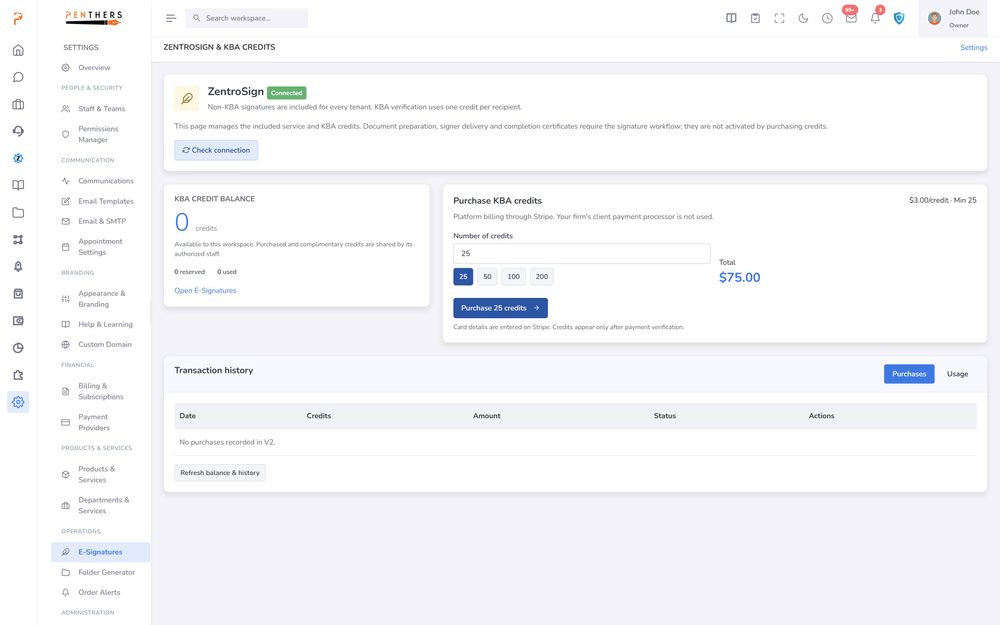
Integrations Hub
Connect payments, communication, tax software, document management, cloud storage, and AI services — all from one unified dashboard. ZentroBiz works with the tools your firm already trusts.
Learn more ›See Desktop Workspace in your firm.
A 20-minute demo tailored to your workflow, or start a 14-day trial. Submitting a request does not charge a card.