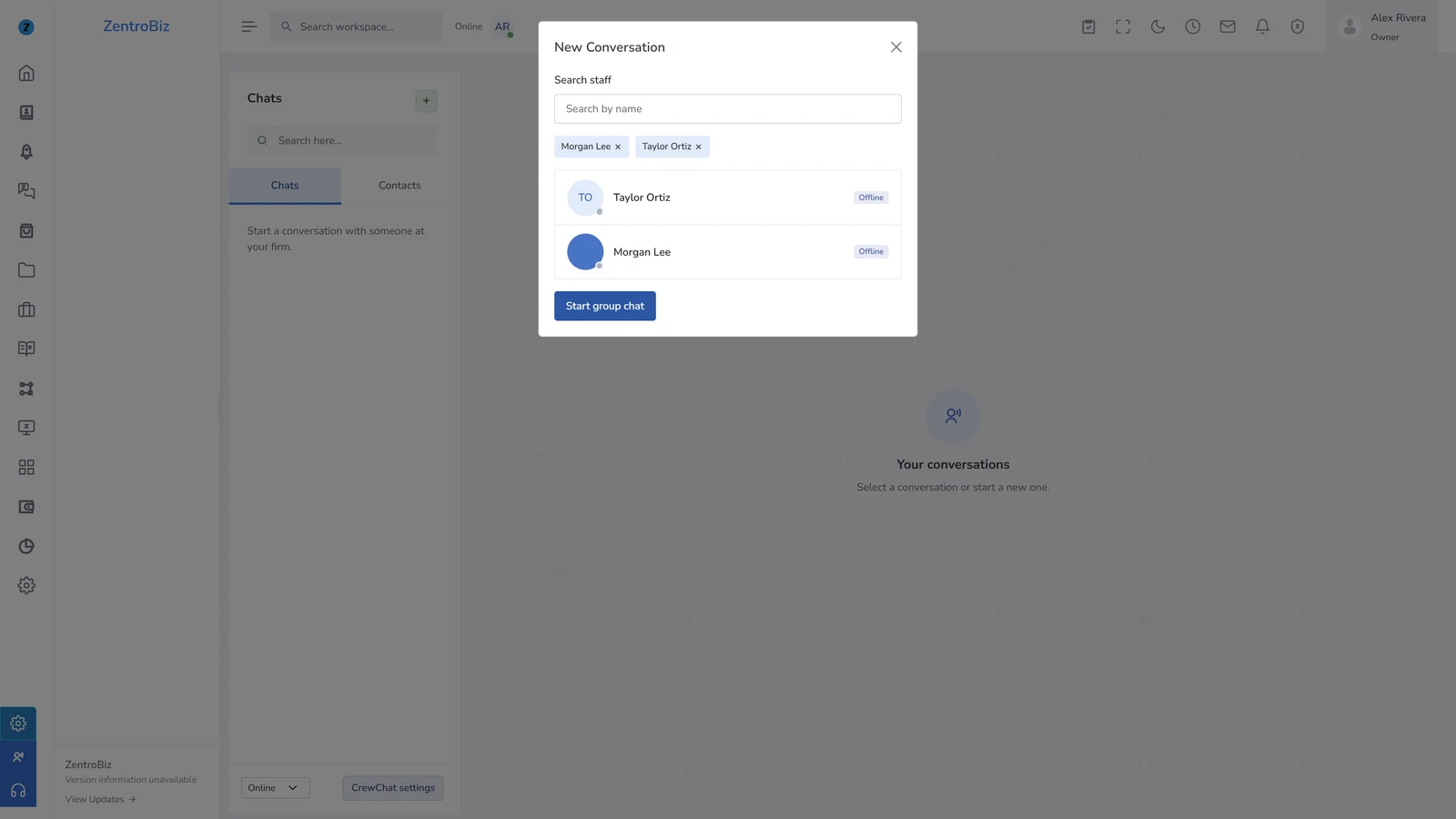
Direct and group chats
Find people in the staff directory. Select one teammate for a direct message or select several to start a group.

CrewChat
Keep your firm’s conversations close to the work. Message a teammate, start a group chat, or turn a follow-up into a ZentroBiz task.
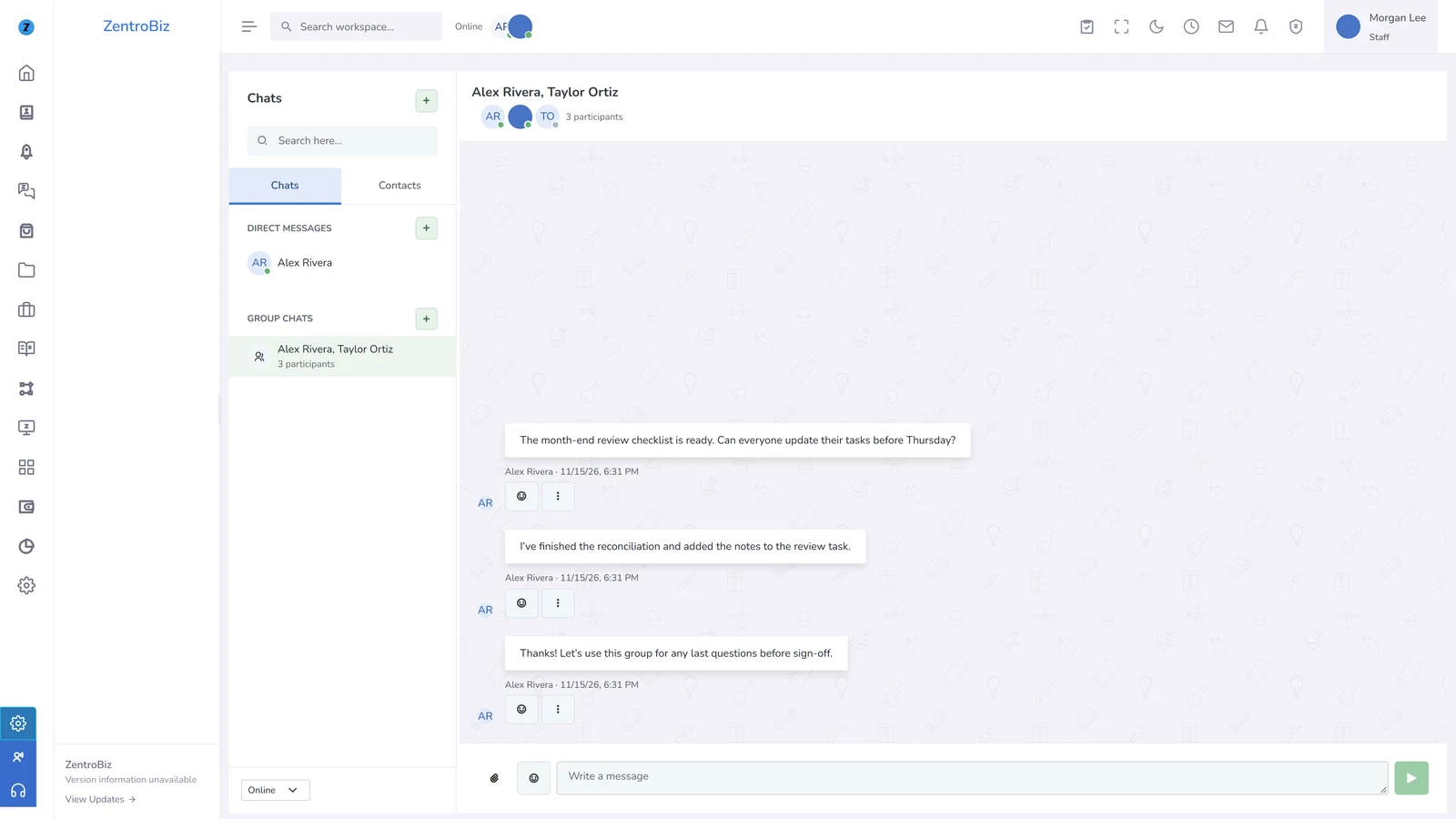
Find people in the staff directory. Select one teammate for a direct message or select several to start a group.
Reply, quote, forward, react with emoji, and share supported files with the people in the conversation.
See which conversations need attention. When a message needs follow-up, create a task from it in ZentroBiz.
Firm settings
CrewChat starts off. After your firm owner enables it, current staff can open CrewChat from the workspace dock. Client Portal messaging stays separate.
Open Support Center